Dinner, decided.
Dinner is hundreds of little decisions every week, and they all land at the end of a long day. UnBizzy takes them off your plate.
Check your email. We just sent you a link to confirm your spot.
Coming soon to the App Store and Google Play.

Plan the whole week in minutes. Then let UnBizzy keep the week on track.





Tell it how the week looks.
Who’s home, which nights are busy, what’s already in the freezer. Say it the way you’d tell a friend, and swap anything you don’t like.
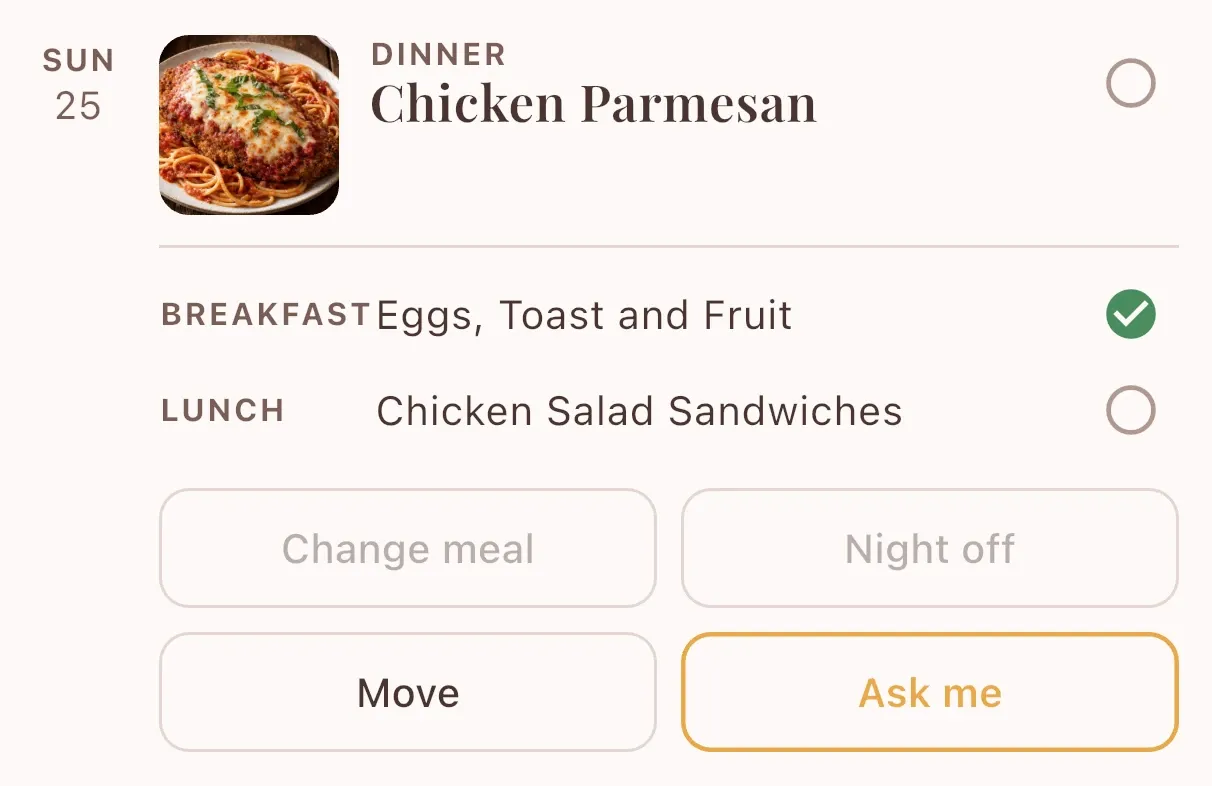
The whole week, planned.
Every dinner gets its row, with breakfast and lunch underneath. Open a night to move it, take it off, or ask for something else.
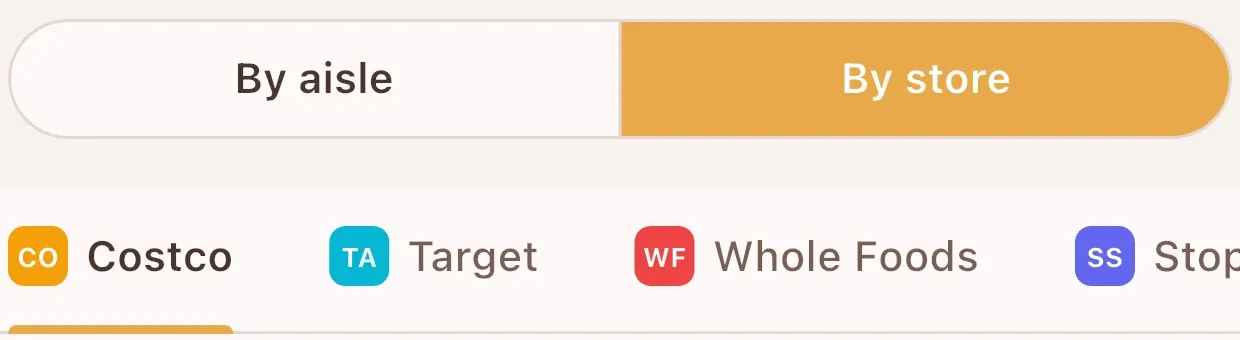
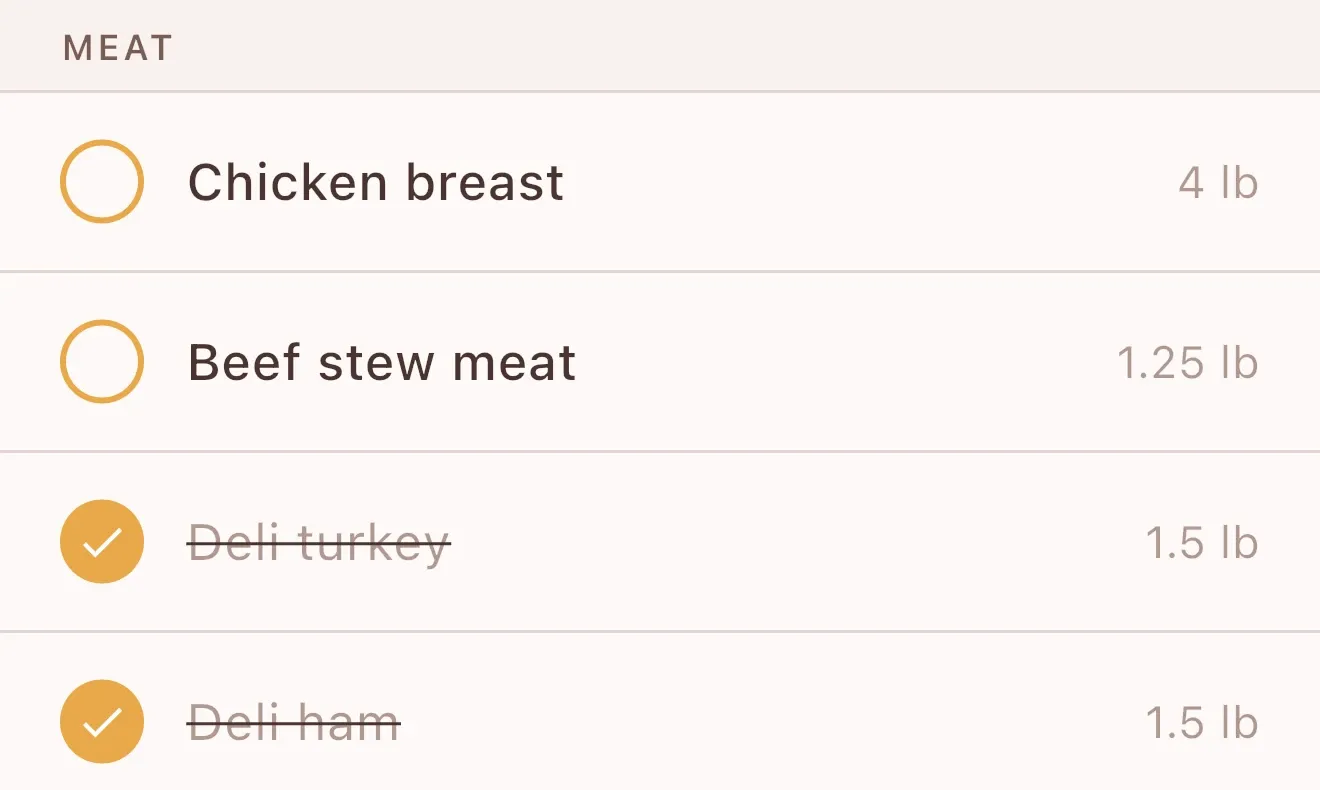
One grocery list, sorted by store.
Everything the week needs, split by the stores you shop at and sorted by aisle inside each one.
Send it to the cart, or take it with you.
Send the list straight to an online cart at select national grocery stores. Or take it to the store and tick things off as you go.
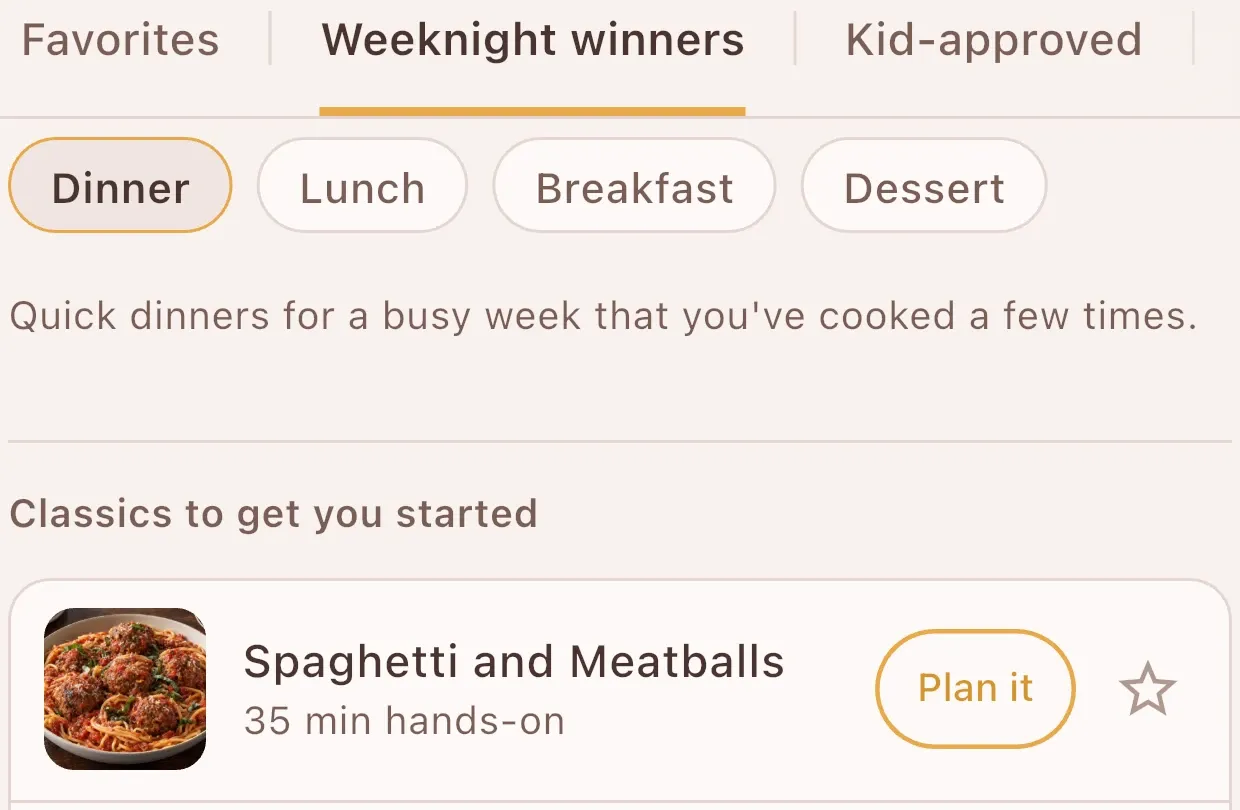
Organized the way you think about dinner.
Your favorites, your weeknight winners and the kid-approved meals each have their own place. And UnBizzy’s own catalog comes stocked with meals families love, to get you started.
Bring your own recipes.
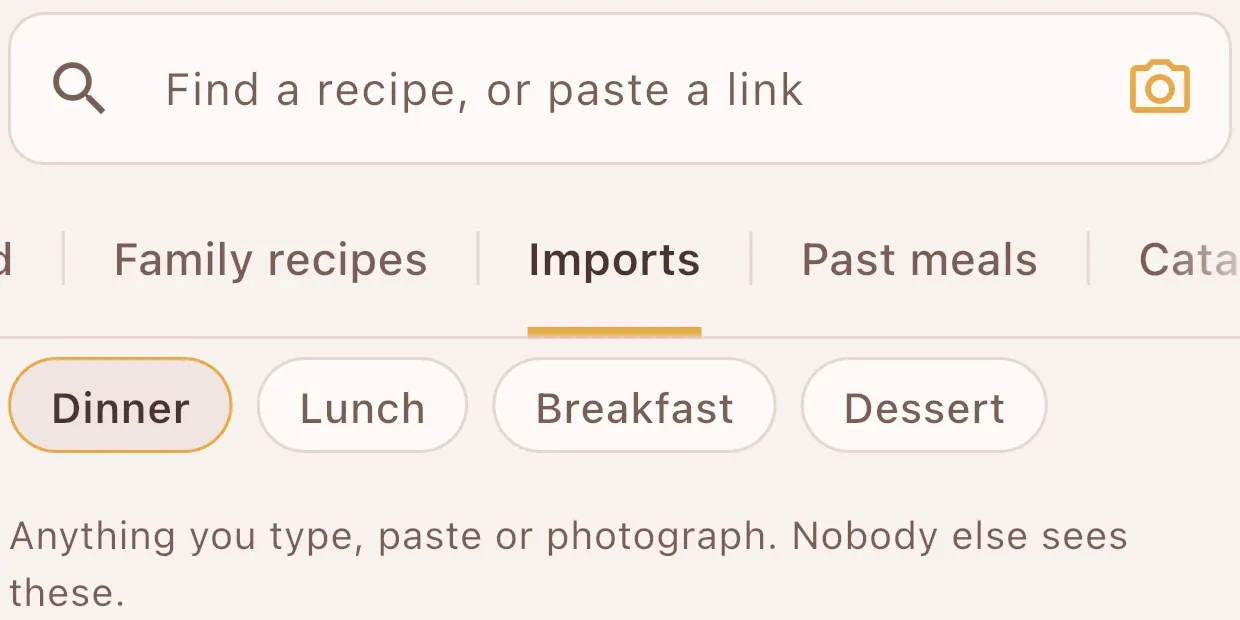
Snap a photo of a handwritten recipe card, paste a link, or share a recipe straight from your browser, and it’s in your cookbook, ready to plan. For a linked recipe, it opens the original site when it’s time to cook, so you get the real instructions and support the creators.
And every day, it reminds you.
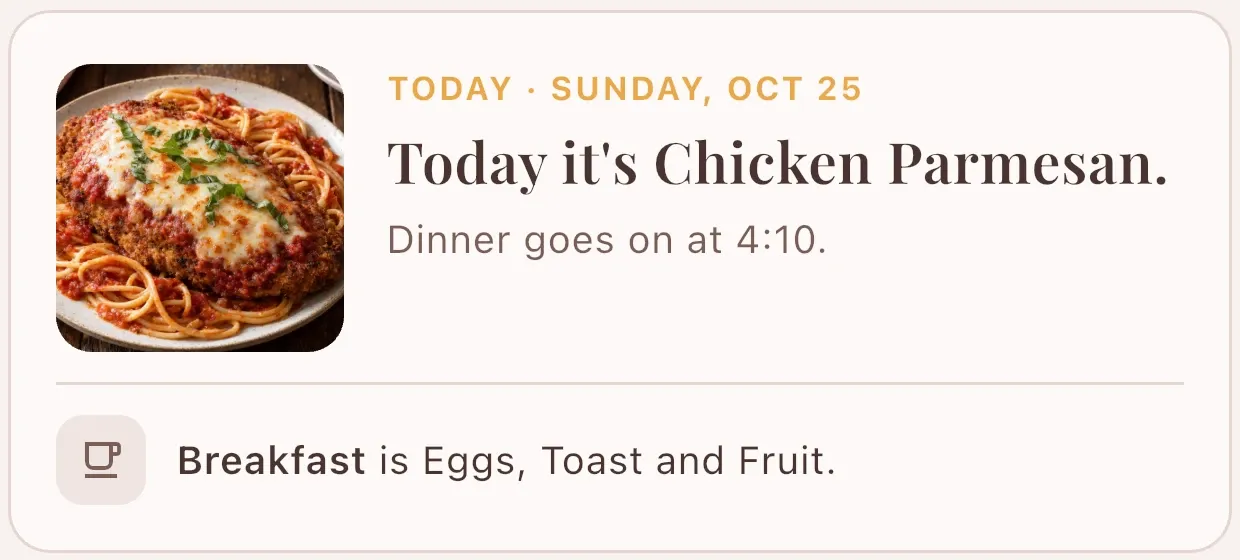
Each morning it lays out the day: what’s for dinner, and what’s for breakfast. Then it tells you when dinner goes on, so that’s one less thing to remember.
A takeout night, the night with practice, the one who’s done with chicken.
It plans dinner around all of that.
A week of dinners that fit your family, your allergies, your kitchen and your patience.
- Sat 24Something easy?Baked pork chops

- Sun 25Is there time for a real dinner?Skillet orzo with seared salmon and dill

- Mon 26What can be ready by six?Sheet pan sausage and peppers

- Tue 27Can it cook itself while we’re out?Slow cooker beef taco bowls

- Wed 28What’s already in the fridge?Hot dogs and tater tots

- Thu 29Practice night. Now what?Round two: Tuesday’s taco bowls.
- Fri 30Cook, or call it?Takeout. Someone else is cooking.


Who is doing the shop?
Whoever’s shopping doesn’t need the app.
Print the grocery list or send it as a PDF, sorted by store and aisle, with boxes to tick. They get everything, and you don’t get a call from the cereal aisle.
It prints the week, too: a menu card for the fridge, or the menu and the grocery list together as one pad.
Dinner is where a plan earns its keep, but breakfast and lunch can come along: pin the usuals to the grocery list, or settle them in the chat each week.
So what’s for dinner this week?


Built by a parent who was tired of deciding.
UnBizzy starts from how a real household runs.
Is there even time tonight?
Busy nights get the easy dinners.
Tell it which nights are packed. Those get leftovers or a quick, easy-prep meal, and the real cooking lands on the nights you have time.
Can this be ready by six?
Dinner fits the time you have.
Set how much hands-on time you have each night, and every dinner fits it. Then it reminds you when to start.
Who’s making burgers from scratch on a Tuesday?
Real dinners, the way you actually cook them.
Real meals that real families cook on real weeknights, not a recipe-site project.
Is that the one nobody liked?
It stops suggesting the thing you hated.
One tap on never again and that meal is gone for good. Star the ones your family loves, and they come up more often.
Did anyone buy milk?
Your usuals are already on the list.
Coffee, milk, paper towels, the weekly snacks: pin them once and they’re on the grocery list every week.
Is there enough for leftovers?
It plans the leftovers.
It turns an earlier dinner into leftovers for a busy night or tomorrow’s lunches, so nothing goes to waste.
What about allergies?
We’ll swap the flour. You check the label.
Tell UnBizzy who in the house can’t have what, and how you handle it: keep it out entirely, swap the ingredient, make a separate portion, or let that person have something else that night. It plans accordingly and tells you when it’s made a substitution.
What it can’t do is read the package in your hand. Ingredients change, labels change, kitchens cross-contaminate. If someone in your family has a serious allergy, the last check is always yours, and we’d rather say that plainly than bury it in the terms.
What does it cost?
One plan. Everything included.
UnBizzy uses AI every time it plans your week, so there’s no stripped-down free version. Instead you get all of it, free for a month, and then decide.
- Monthly
- $9.99 a month
- Yearly
- $53.99 a year, the launch price, locked in for founding families
Try it first. 1 month free on either plan. Cancel anytime.
A planned week of dinners and a sorted grocery list, every week, for your household. All of it, from day one.
Billed through the App Store or Google Play. Cancel from your phone’s subscription settings any time.
Past you was very organized.
Plan the week once. Shop once. Stop deciding at 5pm.
Check your email. We just sent you a link to confirm your spot.
Coming soon to the App Store and Google Play. Questions in the meantime? We’re here.
Follow along at @unbizzyapp.